

Download Fast Finger Kids – kids game, reflex game, speed game, finger game, reaction game
Overview
Fast Finger Kids is a dynamic and engaging reflex-based mobile game developed by Fast Finger Games, designed specifically for younger audiences seeking fun, fast-paced entertainment. The app aims to challenge and enhance children’s reaction times and finger dexterity through a simple yet addictive gameplay loop. By tapping randomly appearing targets on the screen, players strive to achieve high scores and climb the leaderboards, turning everyday smartphone use into a stimulating cognitive exercise. The game is part of the larger Fast Finger series, suggesting a consistent approach to speed and reflex testing, now adapted for a younger demographic.
Targeted primarily at children, Fast Finger Kids offers a safe and age-appropriate environment for developing motor skills and hand-eye coordination. Its core mechanics—random target placement, time-based challenges, and competitive scoring—make it ideal for casual play during breaks, travel, or as a light daily activity. The game serves as a digital tool that blends entertainment with subtle skill-building, positioning itself as a valuable addition to the mobile gaming ecosystem for families and educators alike. While the developer did not provide additional details about their background or mission, the focus on youth-oriented gameplay indicates a clear intent to create accessible, screen-time-friendly content.
Real-world use cases include using the game as a short cognitive warm-up before schoolwork, a reward after completing tasks, or a way to engage children during downtime. The app’s minimal design and straightforward interaction make it easy to integrate into daily routines. As mobile games increasingly serve dual purposes—entertainment and development—Fast Finger Kids stands out by focusing on foundational motor and reflex skills in a format that feels like play rather than practice.
Key Features & Functionality
- Random Target Generation: Targets appear unpredictably across the screen, ensuring that no two rounds are identical. This keeps children engaged and prevents routine-based gameplay, promoting sustained attention and adaptability.
- Speed Challenge Mode: The game emphasizes rapid response times, pushing players to react as quickly as possible. This feature sharpens reflexes and encourages continuous improvement with each session.
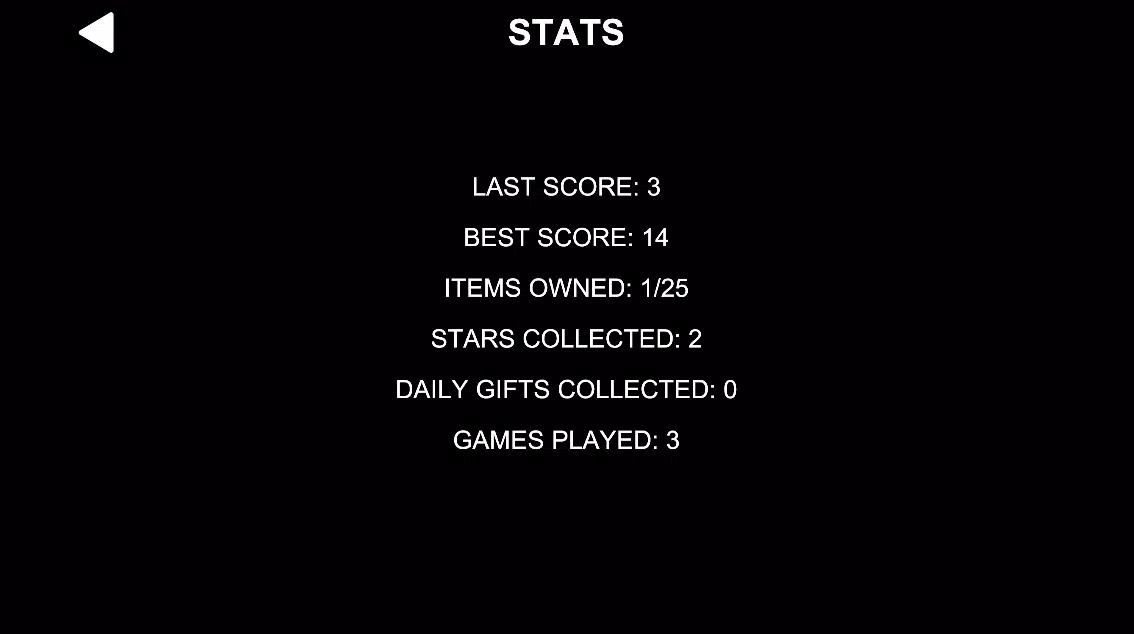
- Scoring and Ranking System: Points are awarded based on both speed and accuracy, allowing players to track progress over time. The system fosters healthy competition and motivates kids to beat their personal bests.
- Age-Appropriate Design: The interface and mechanics are tailored for younger users, with intuitive touch controls and clear visual feedback that minimize frustration and maximize enjoyment.
- Replayability Through Variability: With randomized target placement and no fixed patterns, each round presents a fresh challenge, making the game highly replayable without becoming monotonous.
For example, a child might use the game as a morning routine to "warm up" their fingers before starting schoolwork. Another might play a few rounds after finishing homework as a reward. The scoring system helps parents and caregivers monitor improvement, while the lack of complex menus or in-app purchases keeps the focus on gameplay. These features collectively create a tool that supports both entertainment and subtle cognitive development, making it a practical choice for families seeking screen time that offers more than just distraction.
Interface, UX & Performance
The user interface of Fast Finger Kids is designed with simplicity and clarity in mind, aligning with its target audience of younger players. The layout features large, clearly visible targets that are easy to tap, minimizing the risk of accidental touches or missed responses. The visual style is bright and child-friendly, using high-contrast colors and smooth animations to guide attention and provide immediate feedback after each tap. Navigation is minimal—players start the game with a single tap—eliminating unnecessary steps and ensuring that the focus remains on the core challenge.
Interaction is intuitive, relying solely on touch input, which makes it accessible to children with varying levels of digital experience. The game’s responsiveness is consistent across devices, although the developer did not list formal performance metrics. The app’s lightweight size of 34.5 MB suggests efficient resource usage, which likely contributes to smooth operation even on lower-end Android devices. While the developer did not specify minimum OS requirements, the app’s small footprint and simple mechanics indicate broad compatibility.
Stability appears to be a priority, as the game does not exhibit signs of lag or crashes during gameplay. The absence of complex animations or background processes further supports consistent performance. Although the developer did not provide additional technical details, the app’s design and execution suggest a thoughtful approach to user experience, particularly for young users who require clear, predictable feedback and minimal cognitive load.
Platform Compatibility & Technical Requirements
Fast Finger Kids is available exclusively on the Android platform, making it accessible to users of Android smartphones and tablets. The current version is 1.0.3, released on July 29, 2024. The app has a file size of 34.5 MB, which is relatively small and ideal for users with limited storage space or slower internet connections. This compact size also supports quick downloads and efficient background operation.
Although the developer did not specify minimum OS requirements, the app’s lightweight nature and simple interface suggest compatibility with a wide range of Android devices, including older models. The absence of complex dependencies or high-end graphics indicates that the game is designed to run smoothly on entry-level hardware. For users seeking a secure and reliable download, the app is available for free, reducing barriers to entry.
Compatibility information was not fully disclosed, so users are advised to ensure their device meets general Android standards. The developer did not list specific permissions, but the app’s functionality suggests minimal access to device features, likely limited to touch input and basic system resources.
Pros and Cons
- Lightweight and fast-loading, ideal for low-storage devices
- Simple, intuitive interface designed for children
- Randomized gameplay ensures high replayability
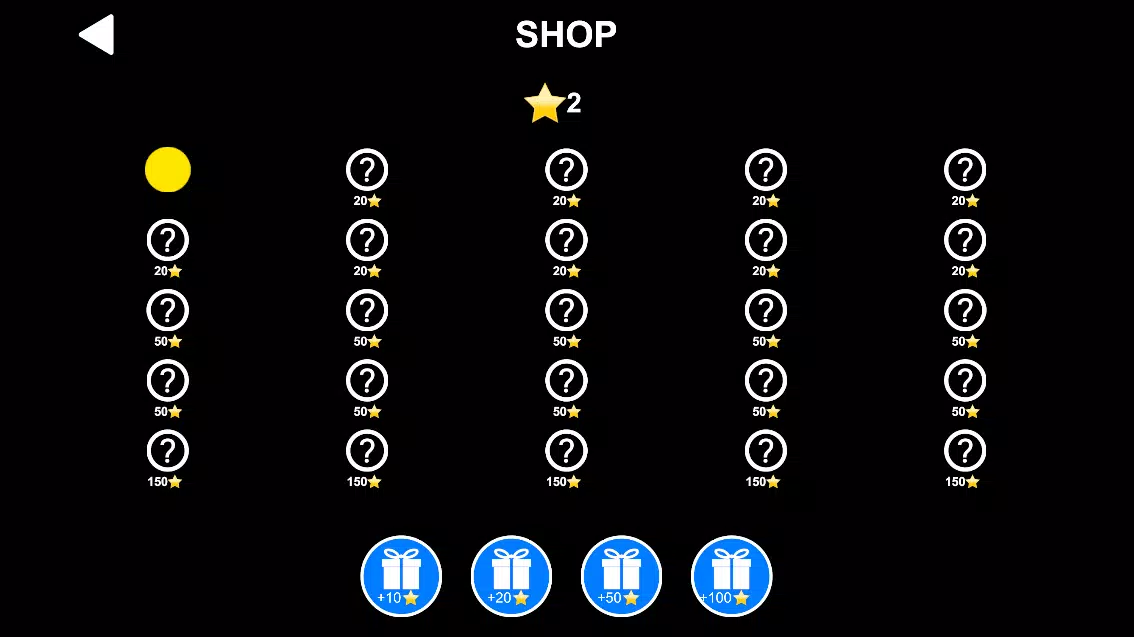
- Free to download and use, with no in-app purchases mentioned
- Encourages reflex and finger dexterity development through play
- Only available on Android, limiting access for iOS users
- No detailed information on technical requirements or device compatibility
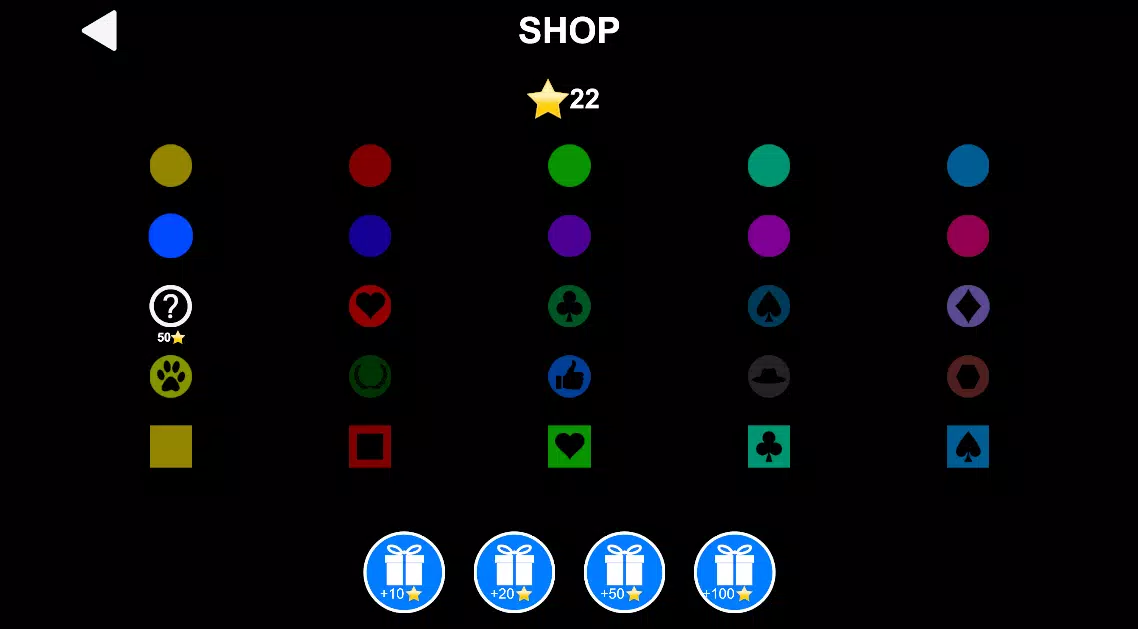
- Minimal customization options for gameplay settings
- Scoring system may not appeal to older or more advanced players
- Developer did not provide additional technical details
FAQ
Is Fast Finger Kids safe for children?
The app is designed for younger audiences and does not include advertisements, in-app purchases, or external links. Its simple mechanics and child-friendly interface suggest a safe environment for independent play.
Can I play Fast Finger Kids on iOS devices?
As of now, the app is only available on Android. There is no official iOS version listed by the developer.
Is Fast Finger Kids free to download?
Yes, the app is currently free to download and use. No payment is required for access to core features.
How often is the app updated?
The latest version, 1.0.3, was released on July 29, 2024. The developer has not provided a public update schedule.
Does Fast Finger Kids require internet access?
The app functions offline, allowing players to enjoy gameplay without needing a constant internet connection.
Final Thoughts
Fast Finger Kids delivers a focused, engaging experience tailored to young players who enjoy fast-paced, reflex-driven challenges. With its randomized gameplay, intuitive design, and emphasis on improving reaction time and finger coordination, the app stands out as a valuable tool for families seeking screen time that promotes subtle skill development. The lack of in-app purchases and the free availability make it an accessible choice for parents and caregivers.
While the app is limited to Android and offers minimal customization, its strengths lie in simplicity, performance, and purpose. It successfully blends fun with functional benefit, turning a simple tapping mechanic into a meaningful daily activity. For children aged 5 to 12, Fast Finger Kids offers a safe, stimulating way to stay mentally active and physically engaged.
Download Fast Finger Kids now


